- React360(https://github.com/facebookarchive/react-360)
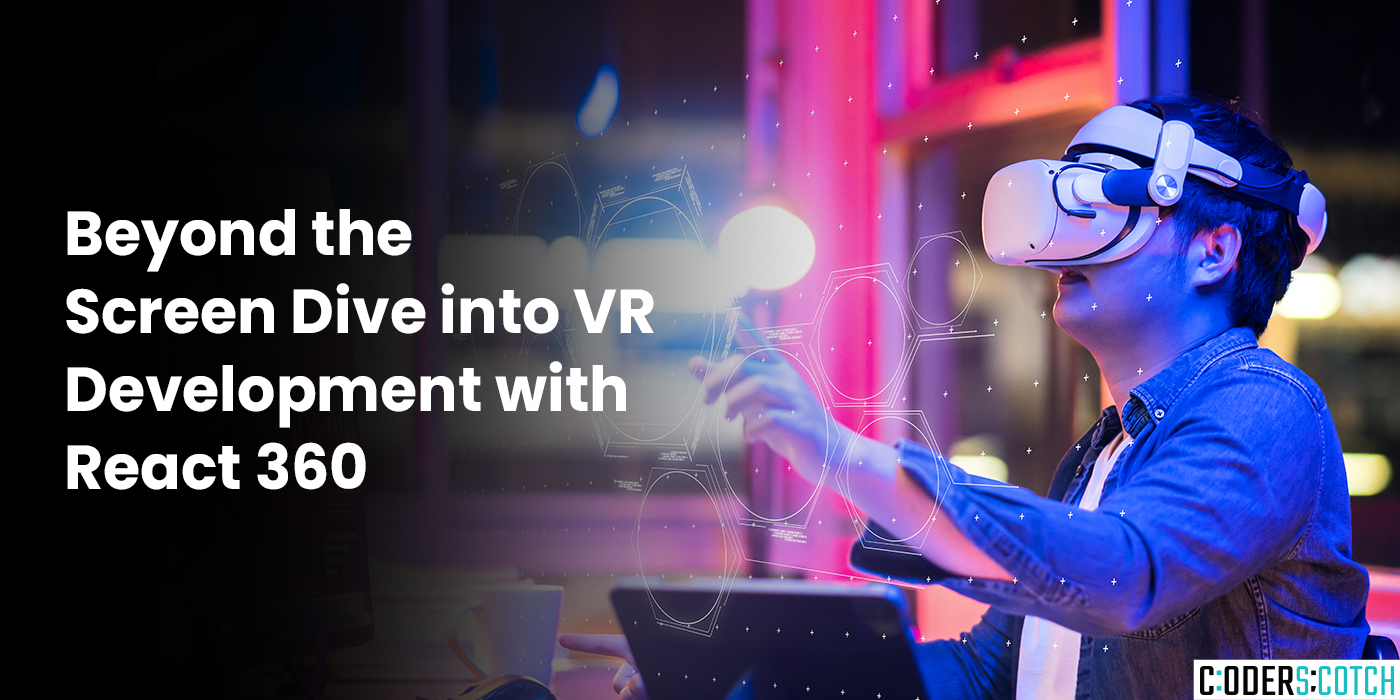
React 360 is the correct library you’d want to use for creating virtual reality experiences using the React framework and JavaScript. Here’s a breakdown of its capabilities:
What is React 360?
- Alibrary built on top of React that simplifies the development of VR applications.
- Leverages React’s component-based approach and declarative style for intuitive VR app creation.
- Integrates with Three.js, a popular WebGL library, for 3D rendering and manipulation within VR experiences.
- Supports various VR platforms like Oculus Rift, HTC Vive, and WebVR-compatible browsers.
Key Features of React 360:
- Component-based Architecture: Break down VR scenes into reusable components,
making development efficient and maintainable. - Declarative Style: Describe desired VR elements and their behavior, resulting in clean and readable code.
- Integration with Three.js: Leverage Three.js’s extensive 3D capabilities for building
sophisticated visuals and interactions in your VR app. - Cross-platform Support: Target a wide range of VR platforms with a single codebase,
reducing development effort.
Getting Started with React 360:
- Installation: Use npm or yarn to install the library and its dependencies:
 In terminl
npm install react-360 react-dom @react-360/vr-web- Project Setup: Create a new React 360 project using the CLI:
 In terminal
npx create-react-app my-vr-app--template @react-360/template- Basic VR App: Edit index.js in your project to create a simple VR scene:
 import React from 'react';
 import { Environment, StyleSheet, Text, View } from
 '@react-360/react-vr';

 const styles = StyleSheet.create({
    paragraph: {
        fontSize: 30,
        textAlign: 'center',
    },
 });
 const App = () => {
     return (
       <Environment>
           <View style={styles.paragraph}>
               Hello, VR World!
           </View>
       </Environment>
     );
 };
export default App;- Runthe App: Start the development server to launch your VR app:
 In terminl
 npm start
This creates a basic VR environment with a centered text message. You’ll need a VR headset or
a WebVR-compatible browser to experience it fully.
Additional Resources:
- React360 Documentation: https://github.com/facebookarchive/react-360
- Building a VR app with React 360: https://blog.logrocket.com/tag/react-native

Launch Your Vision With Us
Join CoderScotch to unlock tech possibilities! Collaborate on innovative projects, get expert support, and turn ideas into success with your trusted partner
Inquiry NowRecent Blogs
Laravel Right Now: Why the Framework Feels Different (and Better) Than Ever
Feb 04, 2026
3 min